



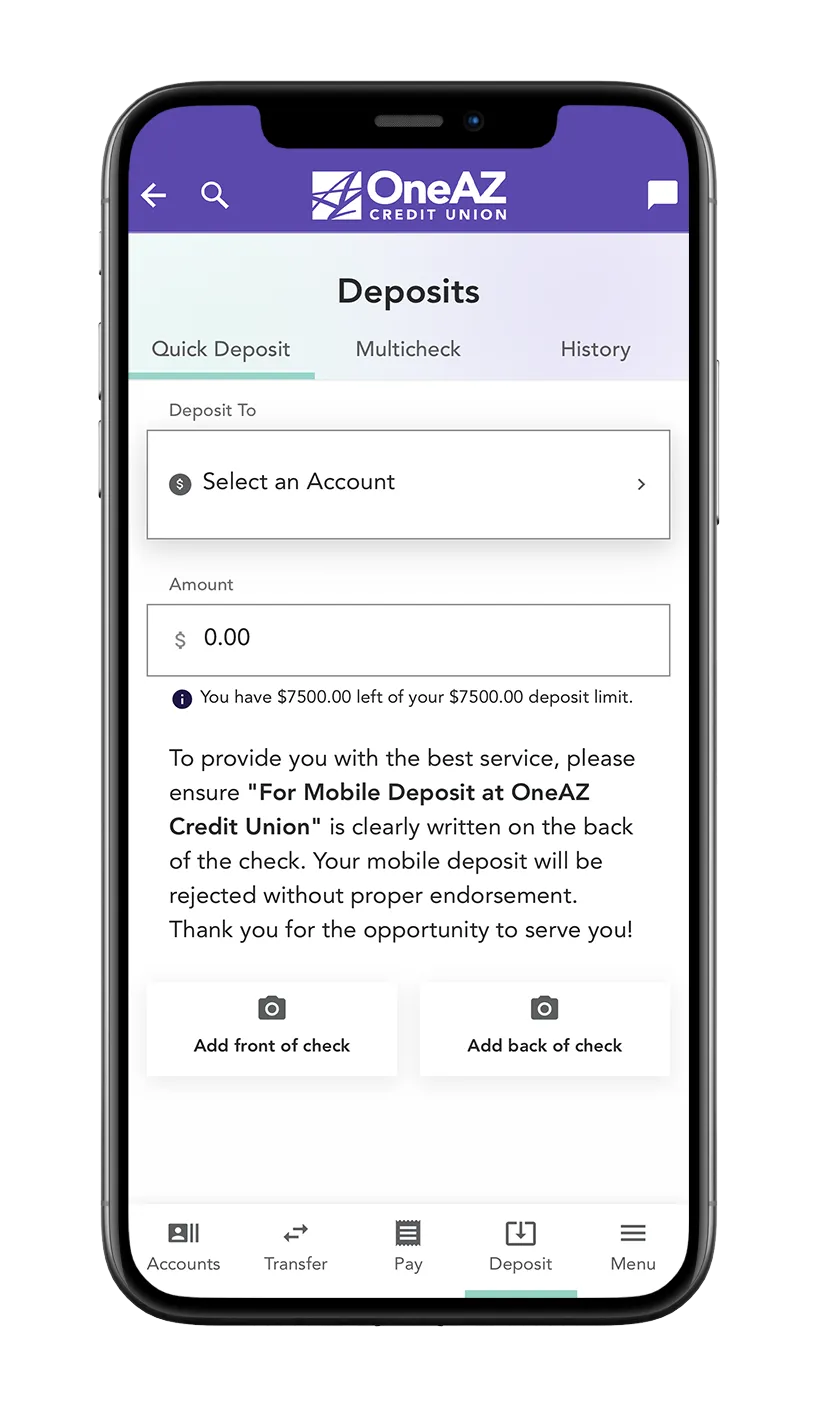
How to deposit a check.
- If applicable, download the OneAZ Mobile Banking app from the Apple App Store (Apple devices) or the Google Play Store (Android devices)
- Open the app and log in using your OneAZ Online Banking login information
- On the bottom navigation bar in the app, select Deposit
- Select the account you would like to deposit the check in, and enter the exact amount listed on the check
- Sign the back of the check and write "for mobile deposit at OneAZ Credit Union."
- Click the camera icon to take a picture of the front of the check, then take a picture of the back.
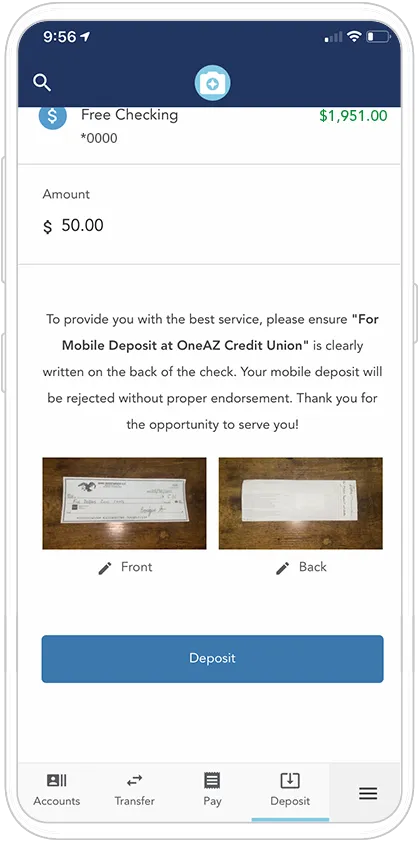
- Ensure the photos are clear and legible, then click Deposit
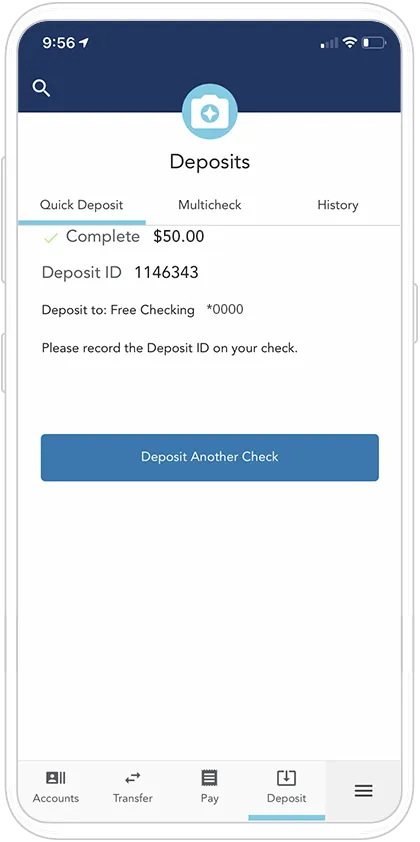
- The mobile app will produce a success message and send you an email receipt of the deposit.
- Please retain the original check for 60 days from the date of the deposit in a safe and secure location.
How to deposit a check.
Learn how to deposit a check with OneAZ Mobile Banking.