

What’s next?
Here’s everything you need to know about your new Money Market account:
- Sign into Online Banking to access your account
- Download the OneAZ Mobile Banking app so you can access your accounts, transfer money, pay bills and more, all without leaving your living room!
Do it all with the
OneAZ Mobile Banking app.

Deposit
checks
Transfer
funds
Pay
your bills
Chat with an
associate
Locate
an ATM
Download the OneAZ Mobile Banking app


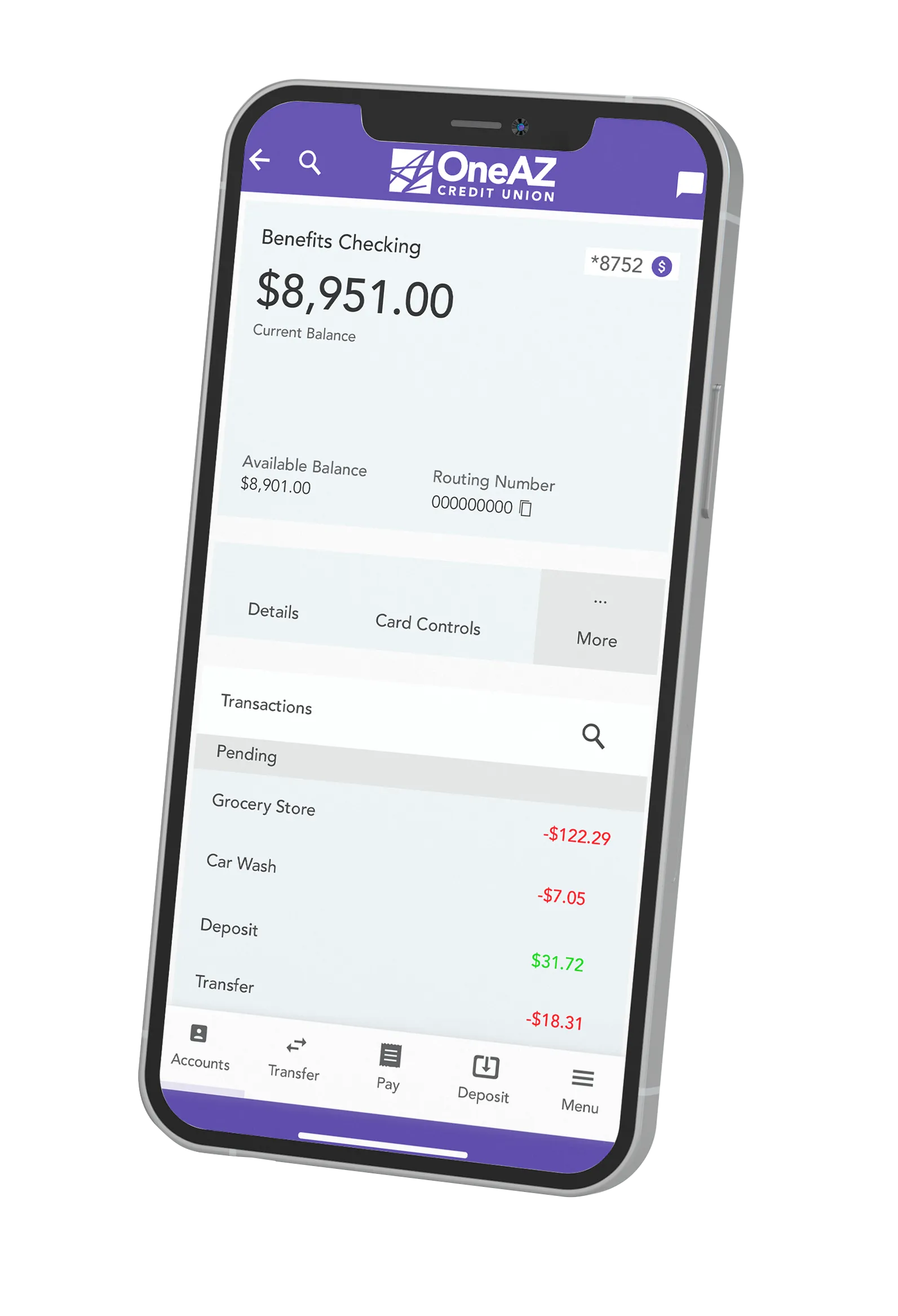
Do it all with the
OneAZ Mobile Banking app.
Deposit checks
Transfer funds
Pay your bills
Chat with an associate
Locate an ATM
Download the OneAZ Mobile Banking app

Money Market FAQs
OneAZ has a knowledgeable Wealth Management team that can answer your financial planning questions. Click here to meet the OneAZ Wealth team and contact a Wealth Advisor today.
You have the option to receive eStatements or paper statements. If you are not enrolled in Online and Mobile Banking, you will default to paper statements.
Once you are enrolled in Online and Mobile Banking, click on the three dots in the blue navigation bar and select Documents and Statements. Select Register and let us know if this is for a Personal Account or a Business Account.
Complete the required fields and select Next. Review the Consent to Electronic Documents and select the checkbox to confirm you have read and agree to the terms outlined. Then select Finish. This will complete your eStatement enrollment.
To turn eStatements off, click on the three dots in the navigation bar, select Documents and Statements, select Settings. From here, you can select the Discontinue box and click Submit.
It’s easy to open additional accounts at OneAZ! You can apply for an account online, call our Virtual Team at 800.453.9897 or schedule an appointment at your local OneAZ branch.

OneAZ is here to help.
Our team is here to help OneAZ members with their accounts, loans, and financial questions. Log into your online bank account and send us a secure message or chat. You can also call the Member Care Center at 844.663.2928 Monday through Friday from 8am – 6pm, or schedule an appointment at your local OneAZ branch.
Let's conquer your finances.
Whether you want to create a budget, save for a home or get started with investing, our Financial Resources Guide has articles and videos to help you make a plan and get ahead.
What is a Money Market Account and How Can It Help Me?
Learn the pros and cons of money market accounts, like when it’s best to use a money market account and when you might choose another saving option.
Keep ReadingWhich Savings Account Will Earn You the Most Money?
Get the best return for your money by knowing what you’re getting with each type of savings account and which is the best for you.
Keep ReadingCreate a Saving Plan: Your Guide on How to Save Money
Learn how to save money with a step-by-step saving plan.
Keep Reading